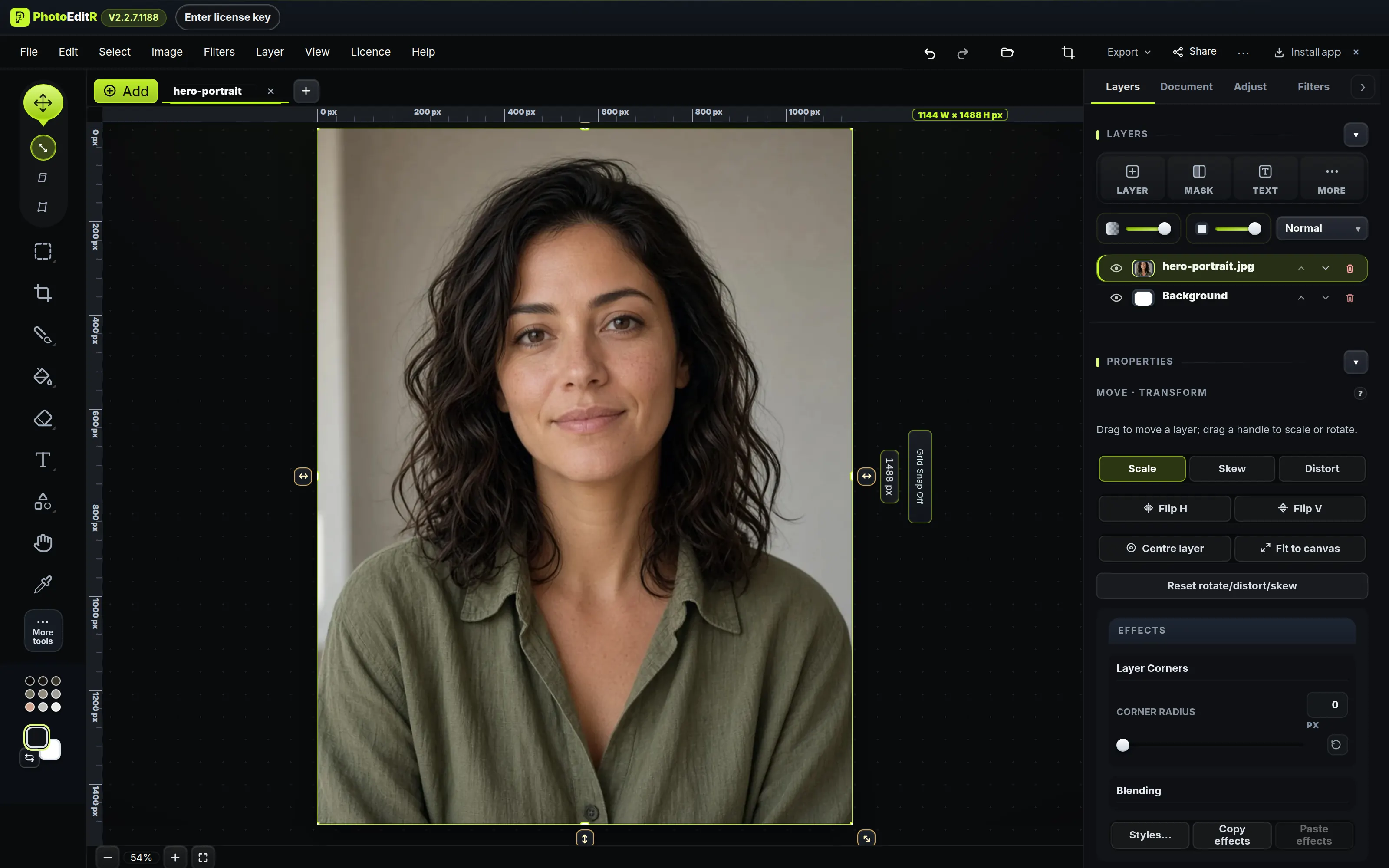

Layers, groups & blend modes
Groups, opacity, masks and 37 blend modes.
Two kinds of work: editing photos and designs, and making images for an online shop. Here is what each role gets.
In action
Groups, opacity, masks and 37 blend modes.
Words, shapes and photos stay as layers.
Keep layers, groups, masks and readable text.
Heal and Spot sample the skin around blemishes.
20 shapes; label, icon and gradient stay live.
Install as an app. The saved copy opens on this computer.
Layers, type, vector shapes and masks — without a monthly bill.
Retouching, masking and colour grading on non-destructive layers.
Thumbnails, posts, stories, banners and ads at preset sizes.
Hero images, OG cards and favicons; crisp PNG, WebP and SVG export.
Raw product photos into listing images.
Ship campaign assets without waiting in the design queue.
Do your own design work without another monthly bill.
No account, licences, when sold, are one-time payments.
photoeditr.com — live editor Open full editor →