Sizes for common platforms
From 1280 × 720 thumbnails to 1080 × 1920 stories.
For creators & marketers
Design posts, stories and banners at the right sizes.
Social graphics
From 1280 × 720 thumbnails to 1080 × 1920 stories.
Words, shapes and photos stay as layers.
20 shapes; label, icon and gradient stay live.
Up to nine colours picked from your photo.
Stack stroke, glow, extrude and shadows.
Text, vertical, circle, path, paragraph and list.
Fill text and shapes with a pattern or photo.
Bottom-sheet panels and pinch to zoom.
PNG, JPG, WebP, SVG, PDF or layered PSD.
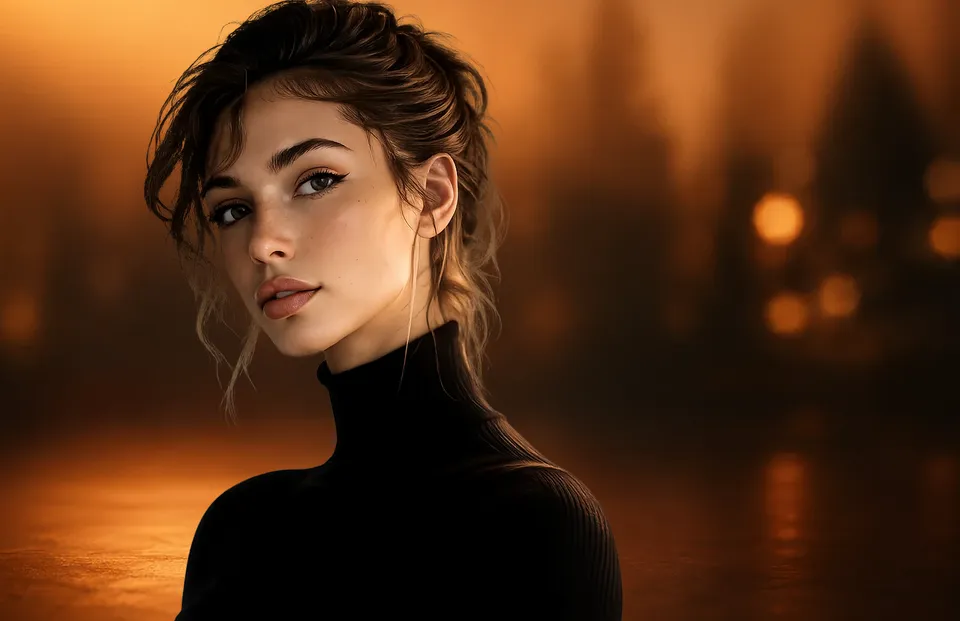
Pick a social size or template, add your photo, text and graphics on layers, style the type, then export a clean PNG or JPG.
Square posts, vertical stories/reels and banner sizes are available as presets so you start at the right dimensions.
Free for personal use, with no watermark. PhotoEditR does not use accounts. Business, client or paid work will need a commercial licence. Licences aren’t on sale yet.
Yes. The template library has a Social category, and the layered templates can be searched by name, category or text.
Keep reading
Click-worthy 1280 × 720 covers.
Bigger layouts, same tools.
Several photos, one post.
Free for personal use, no watermark. Commercial licences coming soon.
photoeditr.com — live editor Open full editor →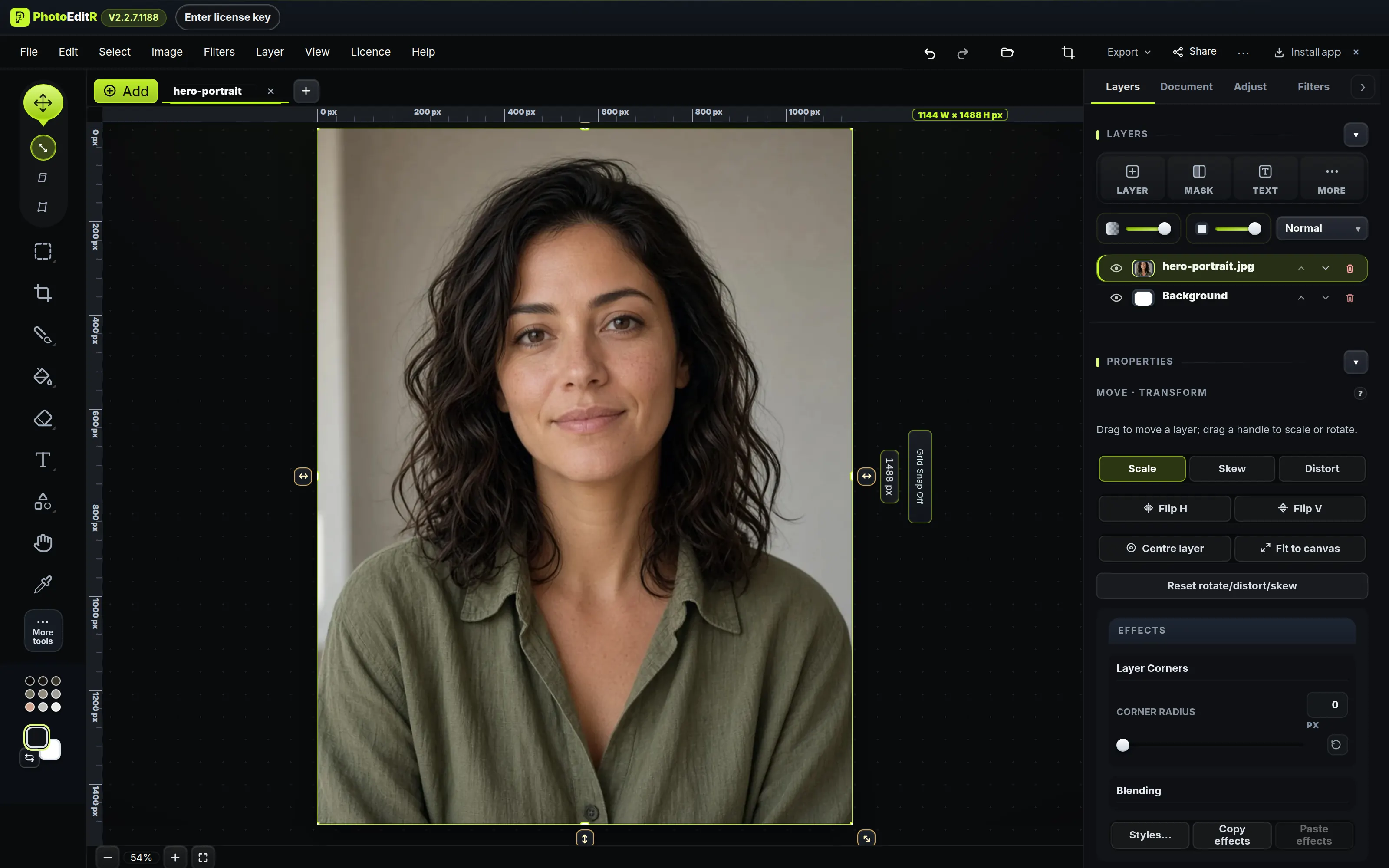
 BOLD