Your Side Editor
It does not replace a professional editor. It is the quick, free one for everyday jobs — thumbnails, social posts, product shots — in your browser.
- No signup — the editor opens instantly
- Your photos and files stay on your computer
- No Cloud, No Accounts, No watermark, no export limits
- 0files uploaded to a server
- 82font families built in
- PSDopens layered, three ways
- 1 tabno install, no account
What do you need to make today?
Pick one — the editor opens free, no signup.
Everything you reach for, nothing you have to learn.
Layers & groups
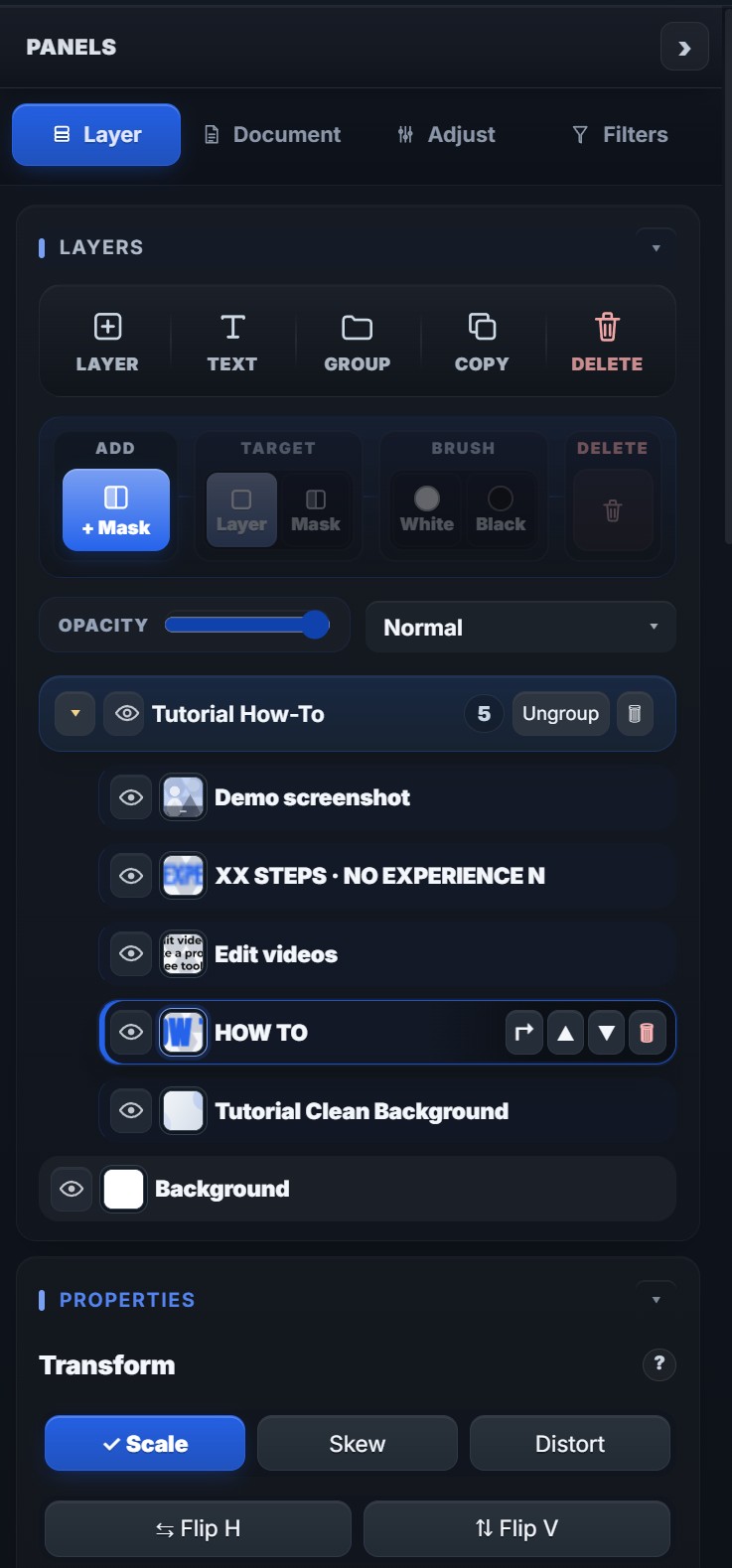
Real layers, blend modes, clipping and smart objects — non-destructive from the first click.
Masks & selections
Paint and vector masks, quick select, lasso and refine edge for clean cutouts.
Retouching
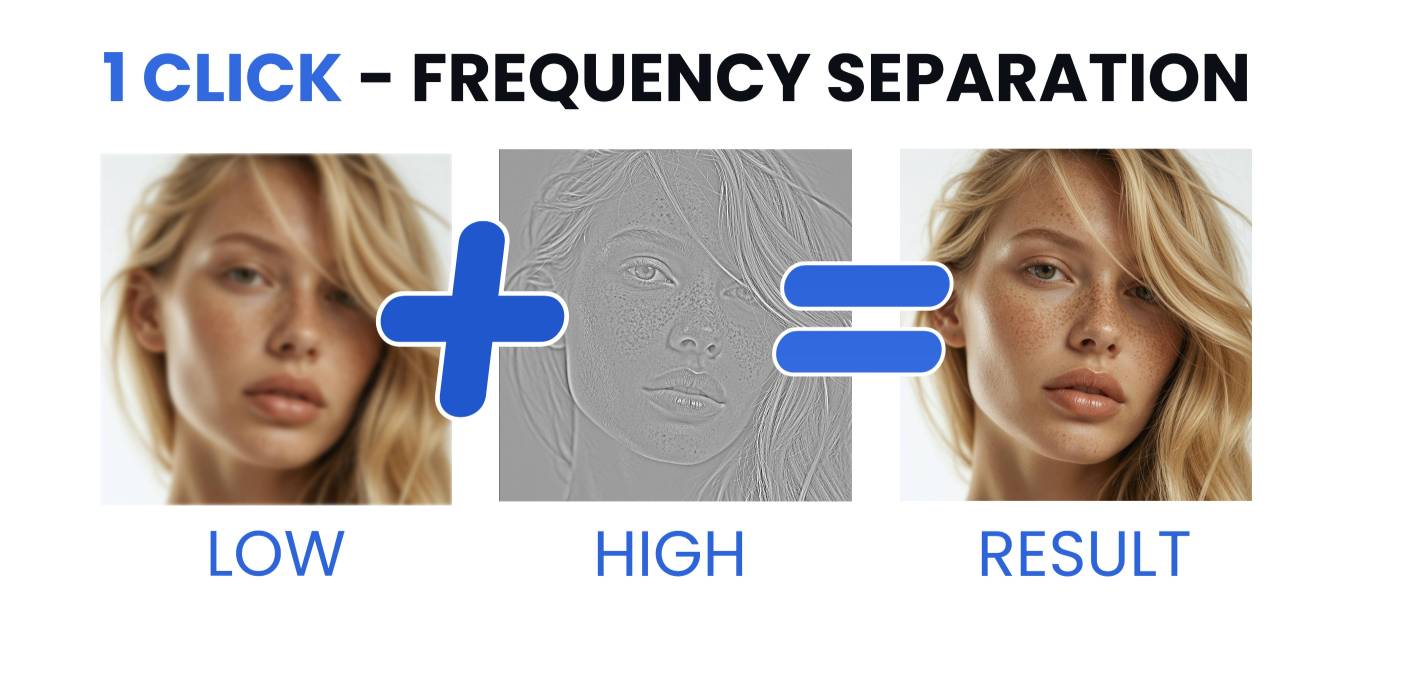
Heal, clone, liquify and one-click frequency separation for skin and product shots.
Type & effects
82 font families, warp, gradients, strokes, shadows and glows with live preview.
Opens PSD files
Open layered Photoshop files three ways and edit them.
Export anywhere
PNG, JPG, WebP, SVG and PDF at exact sizes for YouTube, Amazon, Instagram and print.
Real layers, real masks, real files.
●The workspace
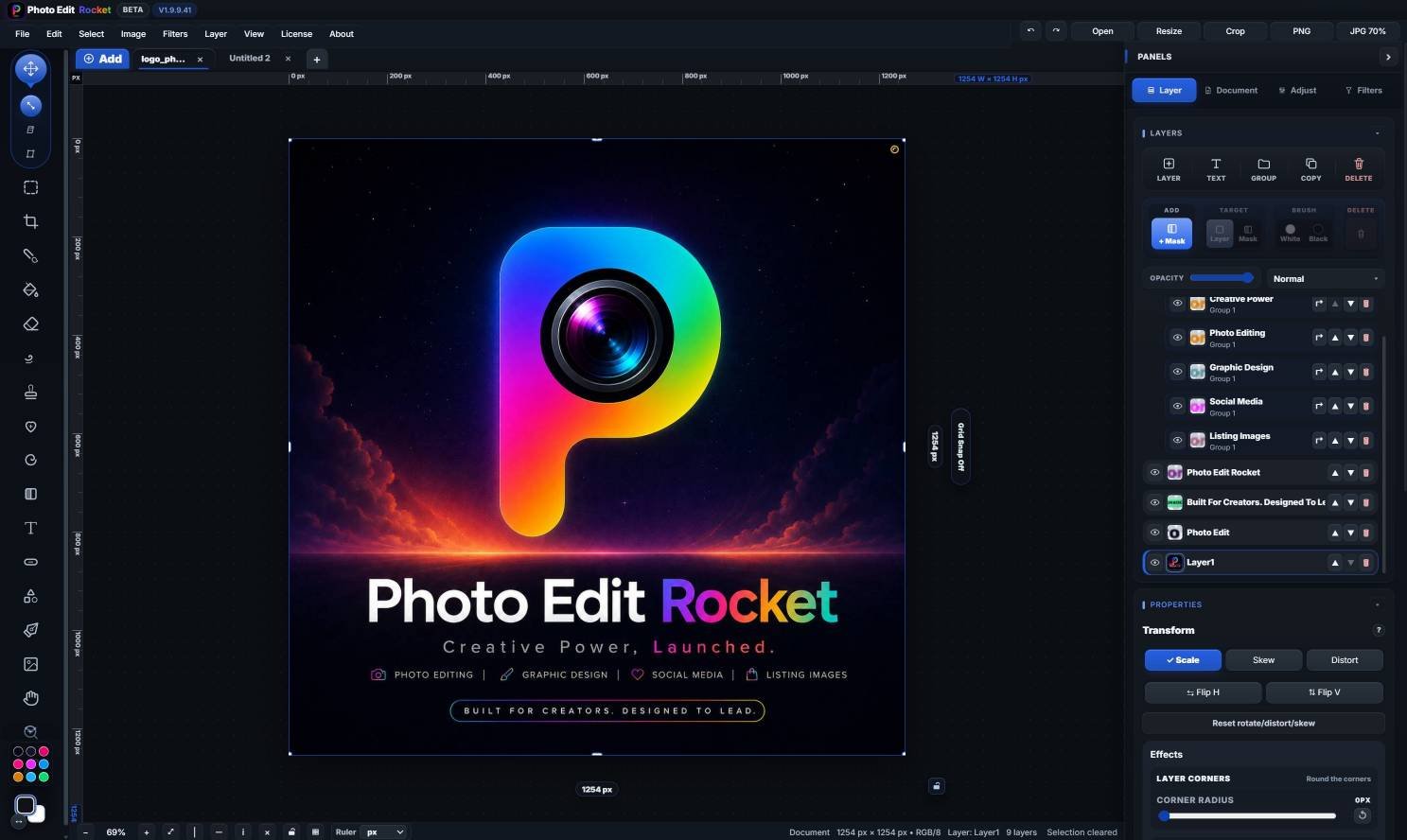
Tool rail, canvas, layers and adjustments — non-destructive from the first click.
●The engine
Rendering, retouching and export all run locally — no upload, no queue, no account.
●The files
Open a PSD, save a .photoeditr project, export PNG, JPG, WebP, SVG or PDF. Your work stays yours.
Straight answers.
Is it really free?
Yes, for personal use. Every tool is unlocked, exports are clean and full-resolution, and there is no daily limit. Commercial licences are not on sale yet while the editor is in beta.
Does it open layered PSD files?
Yes — rasterized layers, editable layers where possible, or a flattened exact-pixel image. Close to the original, not a guaranteed pixel-perfect match.
Where do my photos go while I edit?
Nowhere. Everything runs in your browser on your own hardware; there is no upload and no server-side processing.
Does it replace a professional editor?
No, and it does not try to. It is the quick editor for everyday jobs — thumbnails, social posts, product shots, fast fixes — that happens to have real layers and masks.
Open it and start editing.
Free for personal use, right in your browser. Nothing to install, nothing to sign up for.