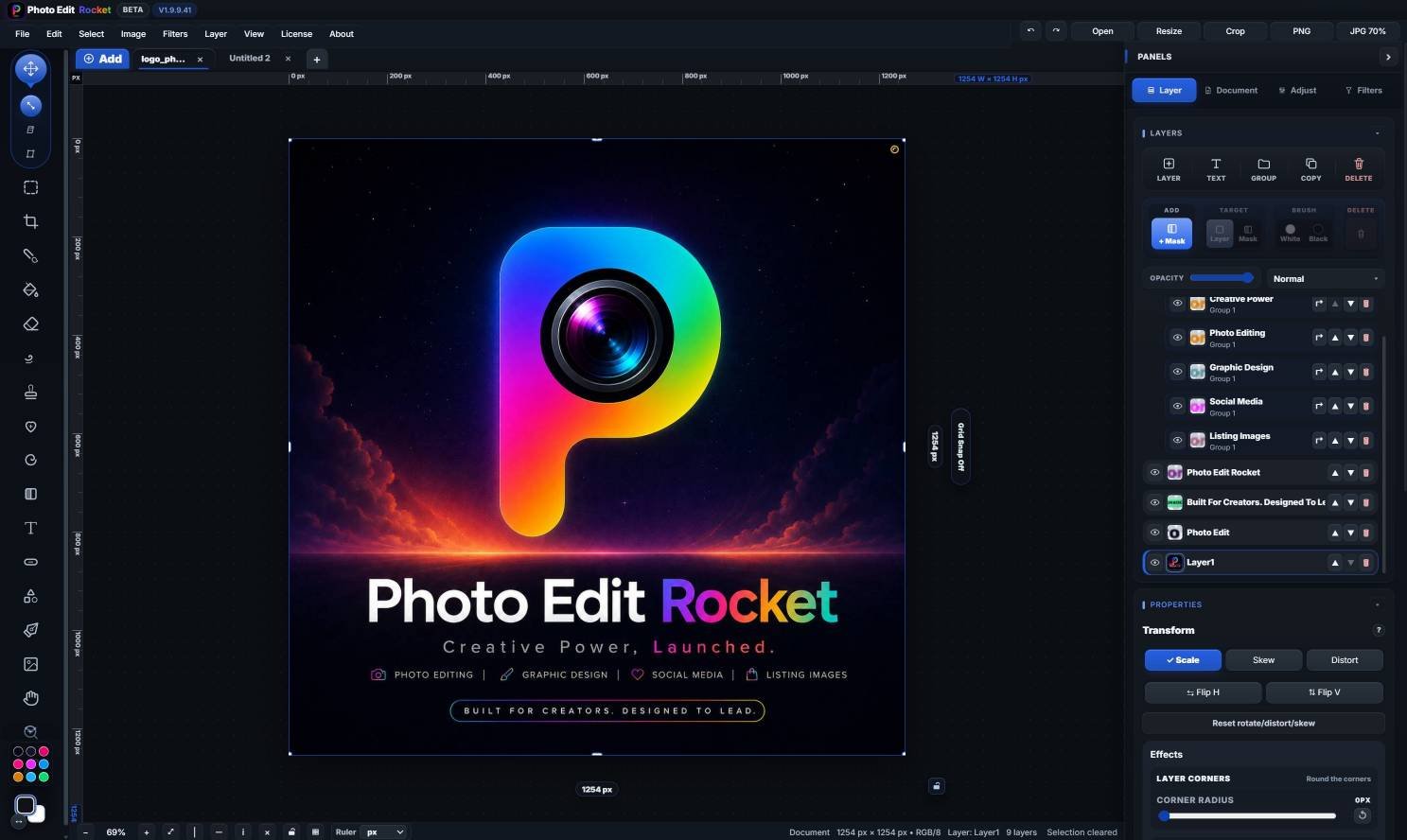
Remove backgrounds, no AI
Box the subject; it runs on your device.
For online sellers
Remove the background, fix color, retouch and crop product shots for your store.
30-day money-back guarantee. Price in USD and includes any applicable sales tax.
Product photos
Box the subject; it runs on your device.
Smooth, feather or shift a selection.
21 sliders, RGB curves and a live histogram.
Ten looks, then fine-tune with sliders.
Heal and Spot sample the skin around blemishes.
Paint light and shadow back into a photo.
Drag a box, press Enter.
One look on a set of photos; export a ZIP.
PNG, JPG, WebP, SVG, PDF or layered PSD.
Open the photo, remove or replace the background, correct color and exposure, retouch imperfections, then crop and export a clean image for your listing.
Yes. Draw a box around the product and the background drops away; tidy the edge with the Keep and Remove brushes, then add a layer below and fill it white, or export a transparent PNG.
Free for personal use, with no watermark and no sign-up. If the design is for a business, a client or other paid work, you need a commercial licence. Licences aren’t on sale yet during the beta; they are planned from $19.99, paid once. Selling products counts as business use.
It covers the usual listing jobs: cut-outs on white or transparent, colour correction, healing dust and scratches, cropping to consistent sizes, grading a set of photos with Album Grade Batch, and PNG, JPG or WebP export.
Keep reading
Sizes and layouts for store listings.
Cut products out cleanly.
The full seller workflow.
Free for personal use. Commercial licences from $19.99 — paid once, no monthly fee, no watermark.
photoeditr.com — live editor Open full editor →