Vector pen
Click corners, drag curves, edit points.
Build a logo with vector shapes and editable type, then export a transparent PNG.
30-day money-back guarantee. Price in USD and includes any applicable sales tax.
Logos
Click corners, drag curves, edit points.
Unite, subtract, intersect or exclude shapes.
Badges, arrows, frames, icons and charts.
Bend a line of type into a circle badge.
Drag colour stops right on the canvas.
82 font families with suggested pairs.
Add .ttf, .otf, .woff or .woff2 fonts.
Line layers up and even out the gaps.
PNG, JPG, WebP, SVG, PDF or layered PSD.
Start from a blank canvas or template, combine vector shapes and editable text, adjust colors and gradients, then export a transparent PNG.
Free for personal use, with no watermark and no sign-up. If the design is for a business, a client or other paid work, you need a commercial licence. Licences aren’t on sale yet during the beta; they are planned from $19.99, paid once. A logo for a business counts as business use.
Yes. Export a PNG and the background stays transparent, at whatever pixel size you set.
Yes. Save a .photoeditr project and your layers, text boxes and effects reopen as you left them. You can also export a layered PSD.
Keep reading
Put the new logo to work.
Layouts for print and screen.
How the layer stack works.
Free for personal use. Commercial licences from $19.99 — paid once, no monthly fee, no watermark.
photoeditr.com — live editor Open full editor →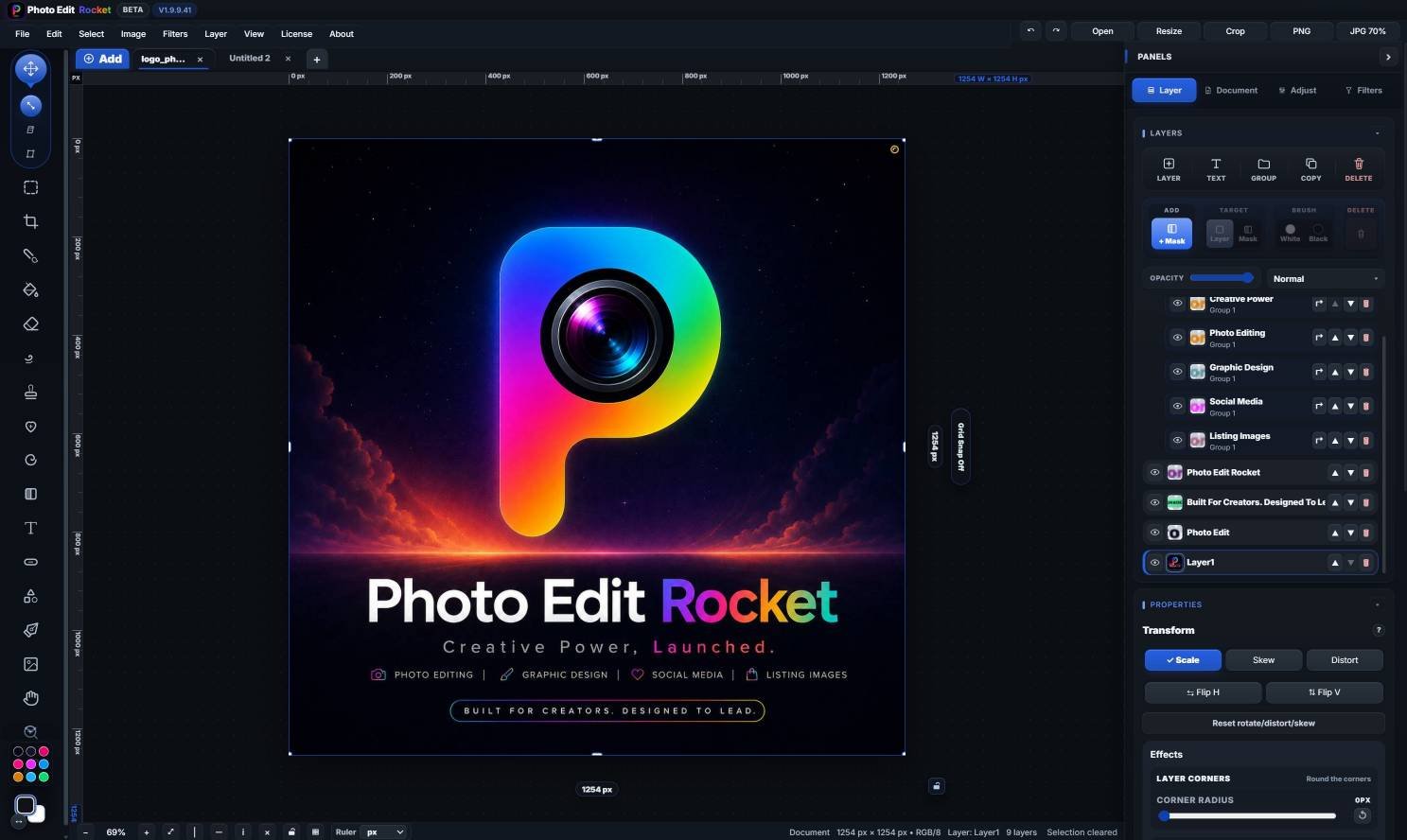
 BOLD
BOLD