Sizes for common platforms
From 1280 × 720 thumbnails to 4K.
App listing templates
Build app store screenshots from templates already at the right size.
30-day money-back guarantee. Price in USD and includes any applicable sales tax.
App screenshots
From 1280 × 720 thumbnails to 4K.
Drop a photo in; drag and zoom inside.
Words, shapes and photos stay as layers.
20 shapes; label, icon and gradient stay live.
Line layers up and even out the gaps.
PNG, JPG, WebP, SVG, PDF or layered PSD.
Reference
The canvas sizes the built-in templates use.
| Store / device | Template size | Notes |
|---|---|---|
| Large phone | 1320 × 2868 | 6.9″ — stores scale this down to smaller phones |
| Large tablet | 2064 × 2752 | 13″ — needed if your app supports tablets |
| Desktop (16:10) | 2880 × 1800 | 16:10 high-density; 1280×800, 1440×900 and 2560×1600 are also accepted |
| Desktop (16:9) | 1920 × 1080 | Desktop screenshots must be at least 1366×768 |
| Phone (portrait) | 1080 × 1920 | 9:16 portrait |
| 10″ tablet | 1200 × 1920 | Tablet listing screenshots |
| Feature graphic | 1024 × 500 | Fixed size; JPEG or 24-bit PNG with no alpha channel |
No account, no subscription.
photoeditr.com — live editor Open full editor →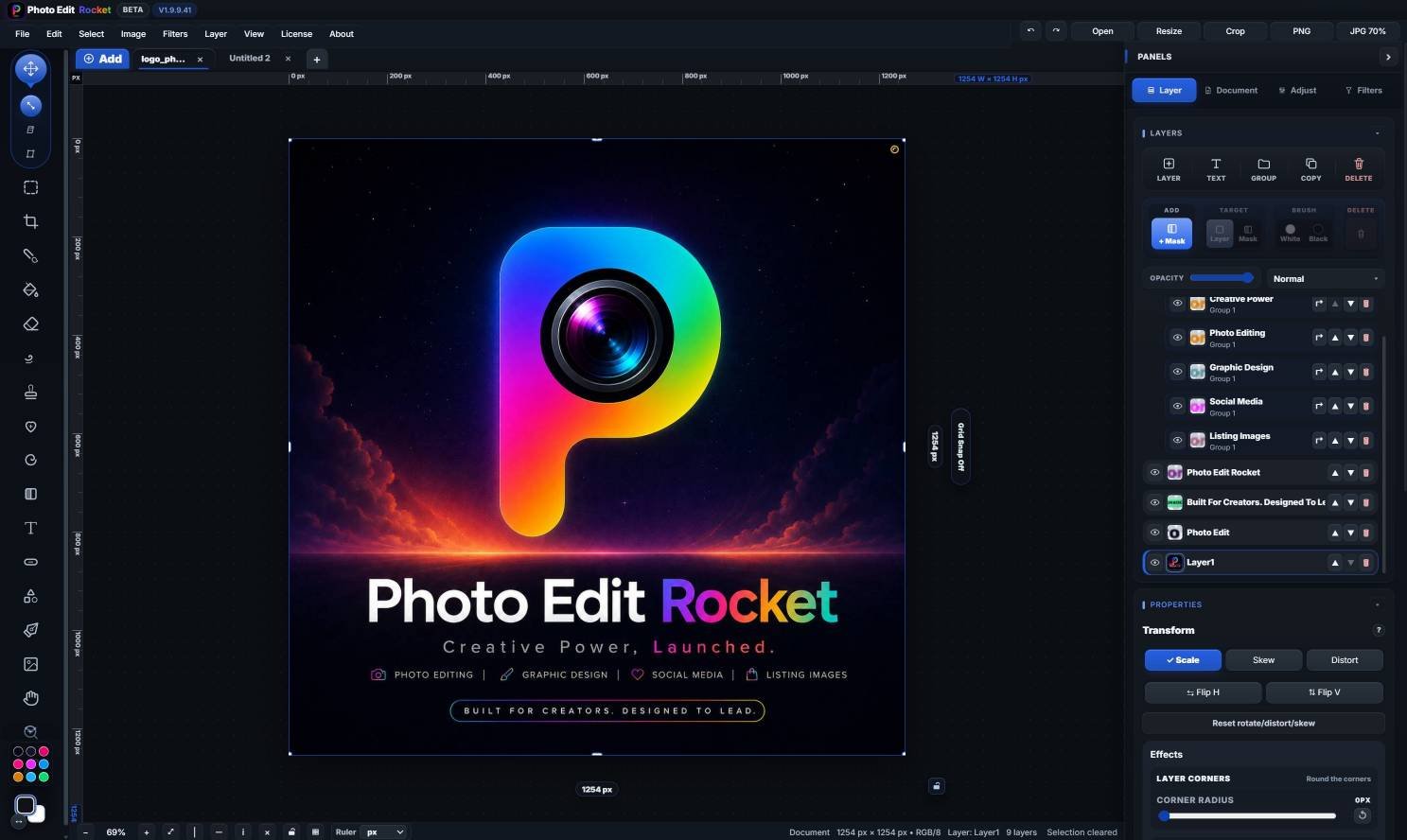
Stores ask for the largest display in each family: a 6.9″ phone at 1320×2868, and — if your app supports tablets — a 13″ tablet at 2064×2752.
Phone screenshots are commonly 1080×1920 (9:16), with a 1200×1920 tablet size, and the feature graphic is 1024×500.
Yes. Set a canvas size up to 16384 px a side, lay out the screenshot and captions on layers, and export PNG or JPG.
Keep reading
High-contrast thumbnails that read small.
Posts and stories at the right sizes.
Clean up shots for listings.
Please verify: Store requirements and asset sizes change.


 BOLD
BOLD