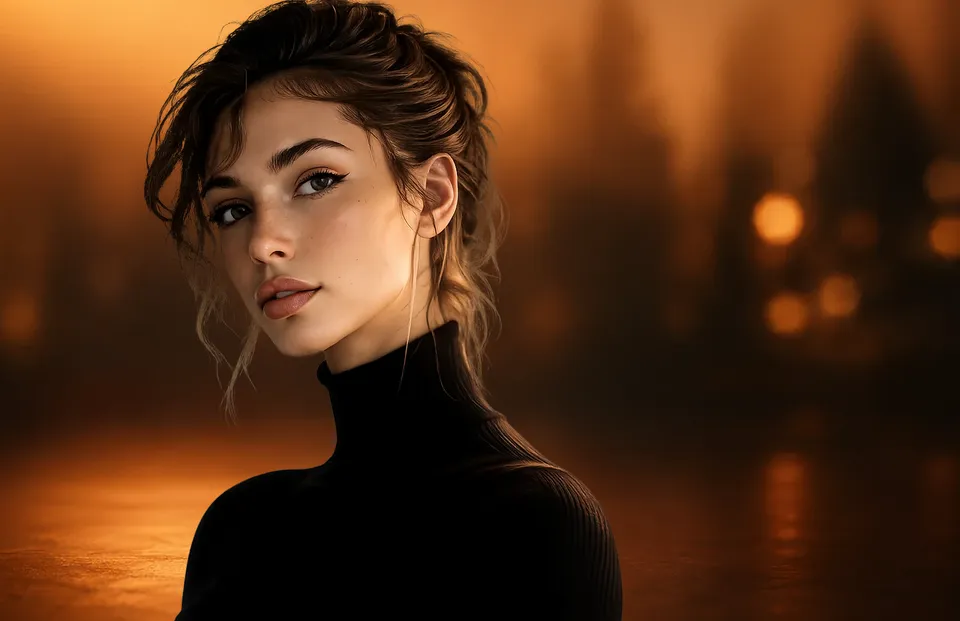
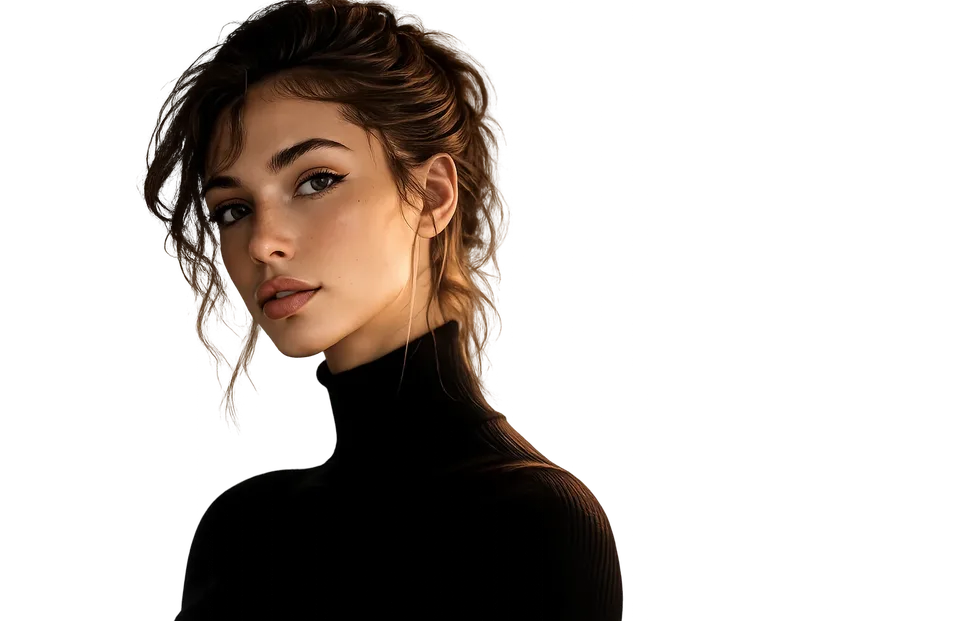
Remove backgrounds, no AI
Box the subject; it runs on your device.
Shop & listing templates
Build listing images and enhanced-content modules for your storefront.
30-day money-back guarantee. Price in USD and includes any applicable sales tax.
Listing images
Box the subject; it runs on your device.
From 1280 × 720 thumbnails to 4K.
Drag a box, press Enter.
21 sliders, RGB curves and a live histogram.
Drop a photo in; drag and zoom inside.
Words, shapes and photos stay as layers.
One look on a set of photos; export a ZIP.
Line layers up and even out the gaps.
PNG, JPG, WebP, SVG, PDF or layered PSD.
Reference
The canvas sizes the built-in templates use.
| Asset | Template size | Notes |
|---|---|---|
| Listing image (square) | 2000 × 2000 | Main product image, plain background |
| Enhanced module (standard) | 970 × 600 | Enhanced-content module |
| Enhanced module (premium) | 1464 × 600 | Wider premium module |
| Store hero banner | 3000 × 600 | Storefront banner |
| Store grid section | 3000 × 1500 | Storefront section |
| Marketplace listing | 2000 × 2000 | Square product listing |
| Shop cover | 3360 × 840 | Shop banner |
| Auction listing | 1600 × 1600 | Auction listing image |
No account, no subscription.
photoeditr.com — live editor Open full editor →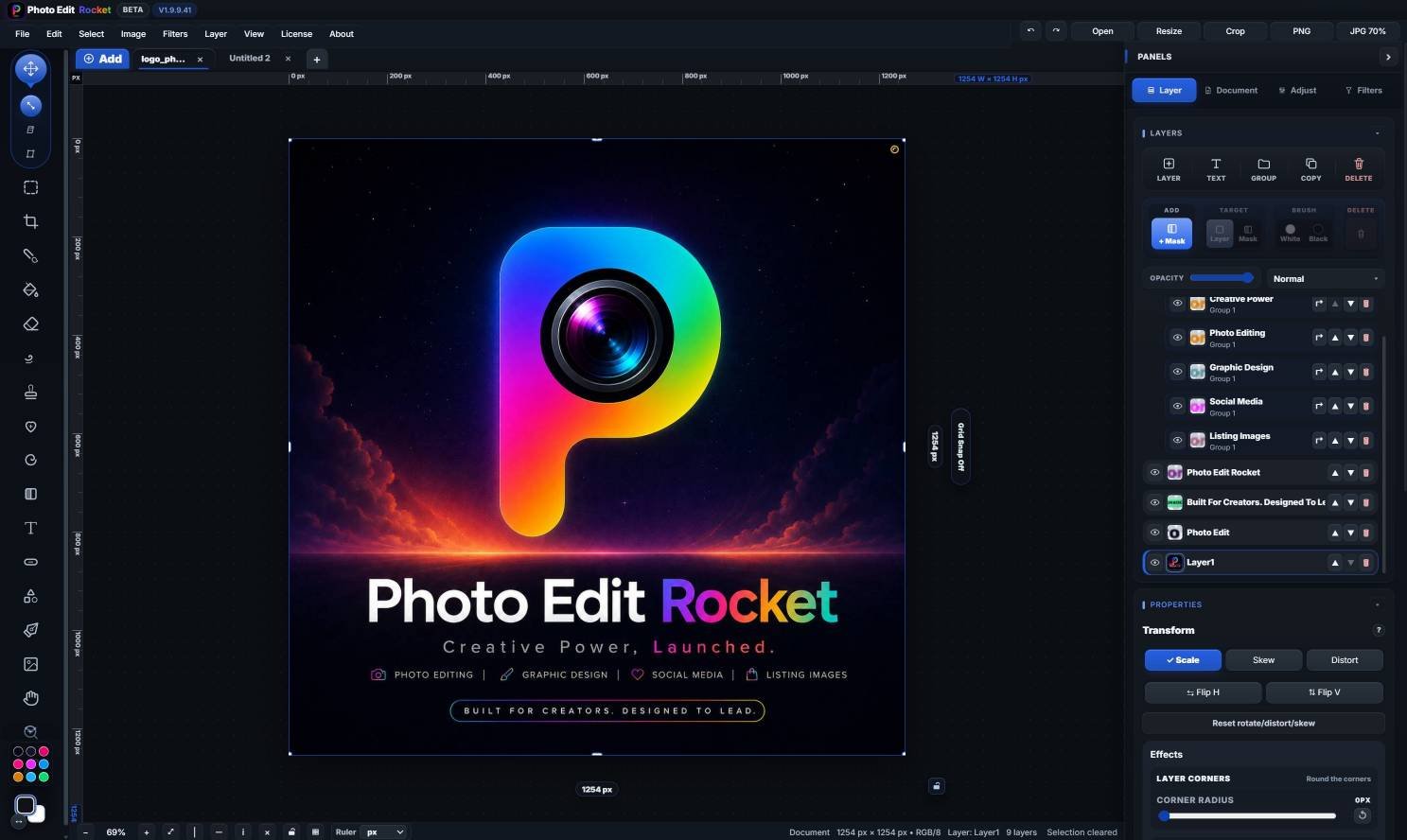
Yes. Set the canvas to the module size the marketplace asks for, lay out photos, text and comparison graphics on layers, and export PNG or JPG. Check the marketplace’s current size rules first.
Yes. The editor isn't tied to one store: set the pixel size each marketplace asks for and export PNG, JPG or WebP.
Yes. Draw a box around the product and the background drops away, then touch up with the Keep and Remove brushes and export a transparent PNG or place it on white. It uses no AI and runs on your device.
Keep reading
Clean up shots for listings.
Cut products out cleanly.
The full seller workflow.
Please verify: Store requirements and asset sizes change.