App listing templates · 2026
App store
screenshot maker.
Build listing screenshots for the App Store, Google Play and the Microsoft Store from templates that are already the right size.
Why it matters
Your screenshots are the listing
Most people decide from the first two images, long before they read a word of the description.
Already the right size
Every template opens at the store's required canvas size, so exports upload without a “wrong dimensions” rejection.
Every device, one editor
iPhone, iPad, Android phone and tablet, Mac and Windows — all in the same template library.
Proven layouts
Caption-on-top, overlay caption, feature callouts, big-benefit and two-screen compare — the layouts store listings actually use.
Drop in your screenshot
Image blocks hold your capture; swap it in and the layout stays put.
Reference
Store screenshot sizes
The canvas sizes the built-in templates use.
| Store / device | Template size | Notes |
|---|---|---|
| iPhone (App Store) | 1320 × 2868 | 6.9″ — Apple scales this down to smaller iPhones |
| iPad (App Store) | 2064 × 2752 | 13″ — needed if your app supports iPad |
| Mac (App Store) | 2880 × 1800 | 16:10 Retina; 1280×800, 1440×900 and 2560×1600 are also accepted |
| Windows (Microsoft Store) | 1920 × 1080 | Desktop screenshots must be at least 1366×768 |
| Android phone (Google Play) | 1080 × 1920 | 9:16 portrait |
| Android 10″ tablet (Play) | 1200 × 1920 | Tablet listing screenshots |
| Play feature graphic | 1024 × 500 | Exact size; JPEG or 24-bit PNG with no alpha channel |
How it works
Four steps to a finished listing image
No canvas maths, no re-cropping.
1. Pick the device
Open Add Templates → App Listings and choose iPhone, iPad, Android, Mac or Windows.
2. Drop in your screenshot
Drag your capture into the image block — it fits the frame automatically.
3. Write the caption
Replace the headline and supporting line with your own.
4. Export and submit
The canvas is already the required size, so the export uploads straight to the store.
The layouts
Layouts that listings actually use
Fill your screenshot slots with something better than a bare capture.
Caption on top
Headline and supporting line above the device screenshot — the classic first slot.
Overlay caption
A near-full-bleed screenshot with the headline set over it.
Feature callouts
Screenshot plus a checklist of three features — strong for utility apps.
Make your app store screenshots free.
No signup, no account, no subscription.
photoeditr.app — live editor Open full editor →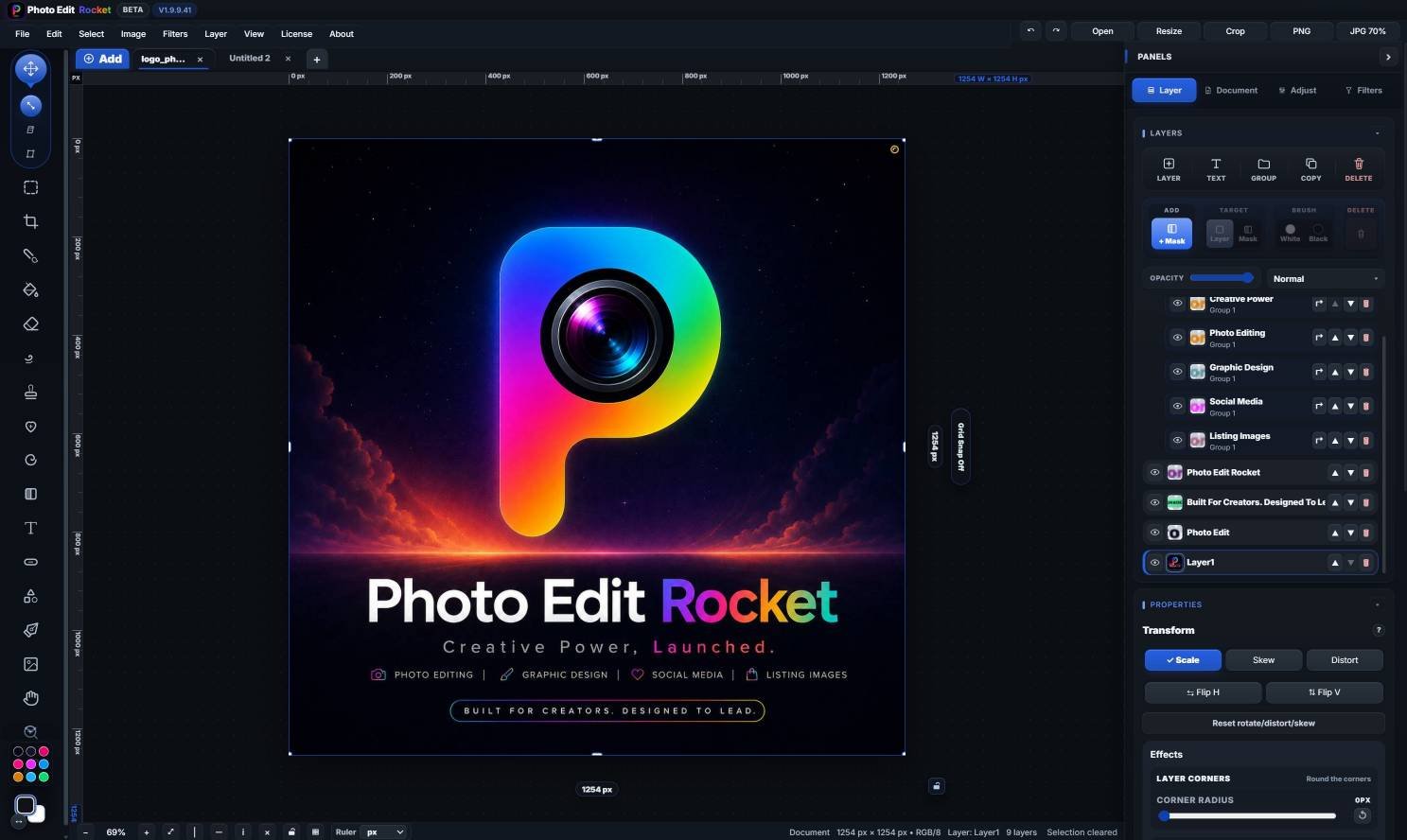
FAQ
App store screenshots — FAQ
What size do App Store screenshots need to be?
Apple now asks for the largest display in each family: a 6.9″ iPhone at 1320×2868, and — if your app supports iPad — a 13″ iPad at 2064×2752.
What size are Google Play screenshots?
Phone screenshots are commonly 1080×1920 (9:16), with a 1200×1920 tablet size, and the feature graphic is exactly 1024×500.
Can I make Mac and Windows store images too?
Yes.
Keep reading
Related guides
YouTube thumbnails
High-contrast thumbnails that read small.
Social media graphics
Posts and stories at the right sizes.
Product photo editing
Clean up shots for listings.
Please verify: Store requirements and asset sizes change.