Shop & listing templates · 2026
Marketplace listing
image templates.
Build listing images and enhanced-content modules that look like they belong on a real storefront.
Why it matters
Listing images do the selling
Shoppers scan images long before they read a bullet list.
Sized for the storefront
Templates open at listing and module sizes, so exports drop straight into your product page.
Enhanced content modules
Build A+ style modules with image blocks, headings and benefit callouts.
Feature and infographic images
Product plus three or four short benefit lines — the slot that answers objections.
Comparison and what's-in-the-box
Side-by-side layouts and grids showing everything included.
Reference
Listing and module sizes
The canvas sizes the built-in templates use.
| Asset | Template size | Notes |
|---|---|---|
| Listing image (square) | 2000 × 2000 | Main product image, plain background |
| A+ standard module | 970 × 600 | Enhanced-content module |
| A+ premium module | 1464 × 600 | Wider premium module |
| Store hero banner | 3000 × 600 | Storefront banner |
| Store grid section | 3000 × 1500 | Storefront section |
| Etsy listing | 2000 × 2000 | Square product listing |
| Etsy shop cover | 3360 × 840 | Shop banner |
| eBay listing | 1600 × 1600 | Auction listing image |
How it works
From product photo to listing image
Start from a layout, not a blank canvas.
1. Drop in your product photo
Drag the shot onto the canvas or into an image block.
2. Clean it up
Cut the product out, tidy the background, even the lighting.
3. Pick a listing layout
Main image, infographic, comparison, lifestyle or an A+ module.
4. Export at the listing size
The canvas is already correct — export and upload.
The layouts
The full listing image set
Most marketplaces give you several slots.
Main product image
A clean, uncluttered hero shot on a plain background.
Infographic / callouts
The product with three or four short benefit lines around it.
Lifestyle shot
The product in context, so buyers can judge scale and use.
Make your listing images free.
No signup, no account, no subscription.
photoeditr.app — live editor Open full editor →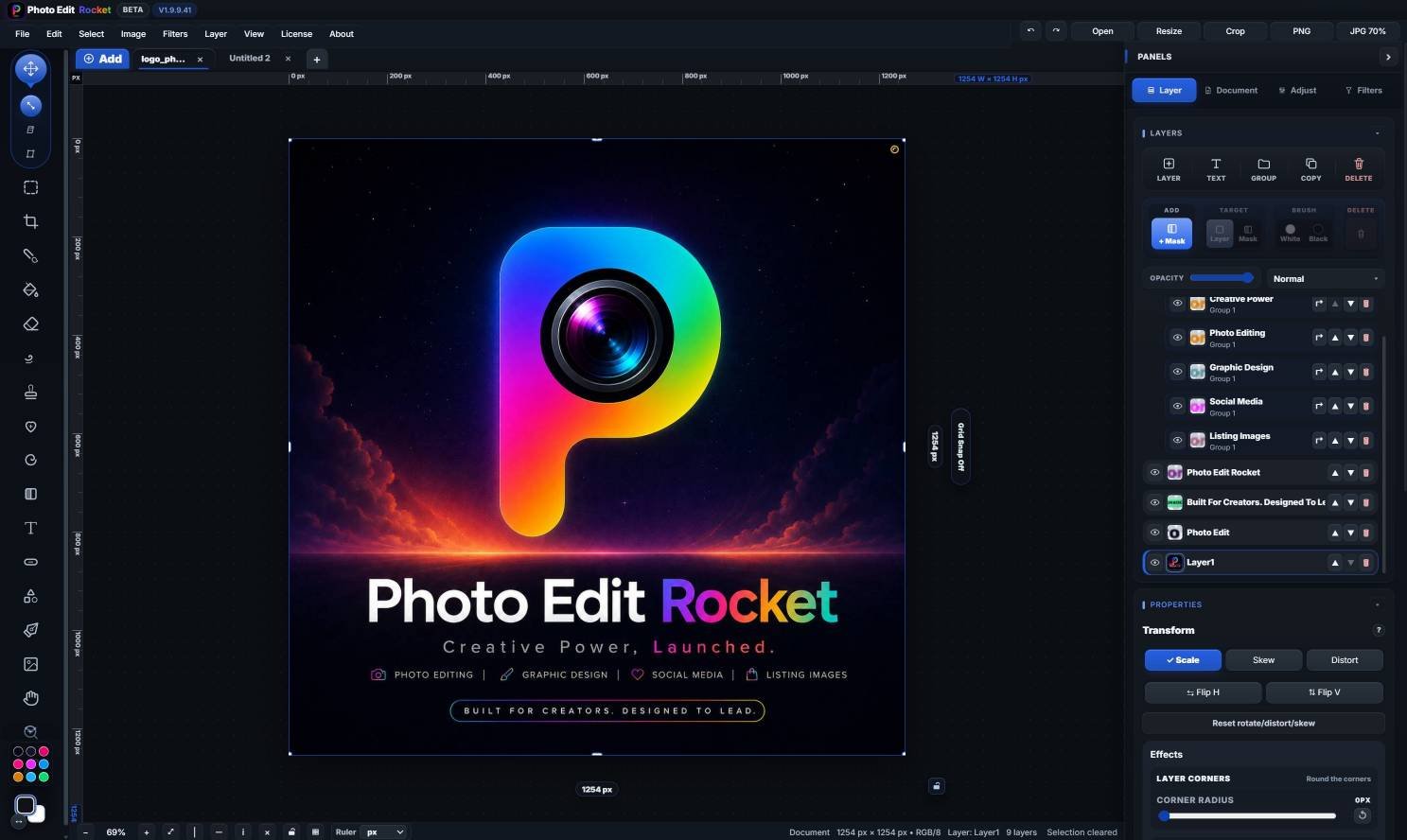
FAQ
Marketplace listing images — FAQ
Can I make Amazon A+ content modules?
Yes.
Does it work for Etsy and eBay?
Yes.
Can I remove the background from a product shot?
Yes.
Keep reading
Related guides
Product photo editing
Clean up shots for listings.
Remove background
Cut products out cleanly.
For e-commerce stores
The full seller workflow.
Please verify: Store requirements and asset sizes change.