Round text & badges
Bend a line of type into a circle badge.
The quick, free editor for everyday jobs: thumbnails, social posts, product shots.
 Create
BOLD
BOLD
Create
BOLD
BOLD
 →Shop the look
Bend a line of type into a circle badge.
12 warp styles, or run text along a path.
20 shapes; label, icon and gradient stay live.
Click corners, drag curves, edit points.
Unite, subtract, intersect or exclude shapes.
Drag colour stops right on the canvas.
Up to nine colours picked from your photo.
Stack stroke, glow, extrude and shadows.
10 groups of ready-made effect stacks.
82 font families with suggested pairs.
Picks a readable colour from your photo.
9 bullet styles, or your own SVG.
Put a photo inside text or a shape.
Drop a photo in; drag and zoom inside.
Words, shapes and photos stay as layers.
Snap to edges, centre, guides and layers.
Groups, opacity, masks and 37 blend modes.
Box the subject; it runs on your device.
Box, circle, freehand, point and smart.
Heal and Spot sample the skin around blemishes.
Paint light and shadow back into a photo.
Push, expand, thin and restore, on a copy.
21 sliders, RGB curves and a live histogram.
Blur, grain, vignette, pixelate and more.
Even out tone without losing texture.
Drag a box, press Enter.
Click a step to jump back or forward.
Keep layers, groups, masks and readable text.
PNG, JPG, WebP, SVG, PDF or layered PSD.
Reopen your layers where you left them.
Install as an app; opens offline.
From 1280 × 720 thumbnails to 4K.
Yes, for personal use: the editing tools, clean full-resolution exports, no daily limit. Commercial licences are not on sale yet while the editor is in beta.
Yes — rasterized layers, editable layers where possible, or a flattened image. Close to the original, not a guaranteed pixel-perfect match.
Nowhere. It runs in your browser: no upload, no server-side processing.
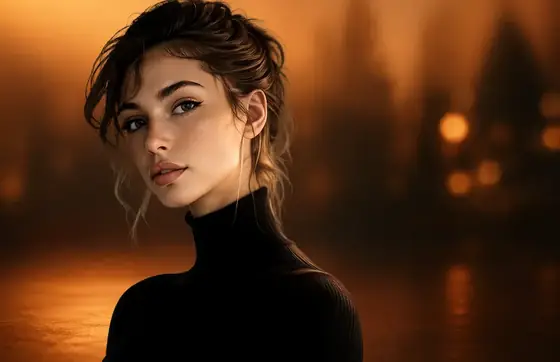
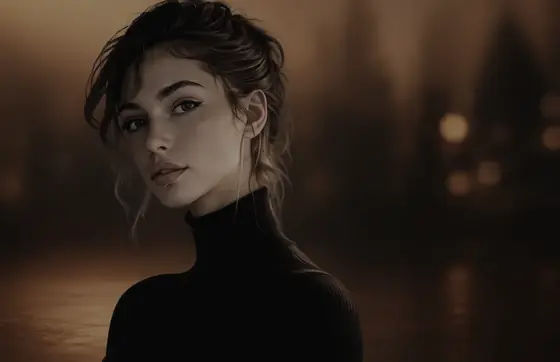
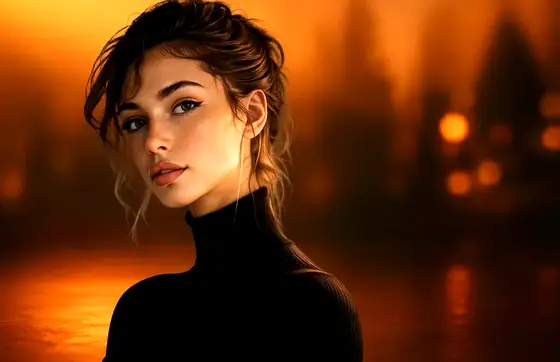

 Low · colour
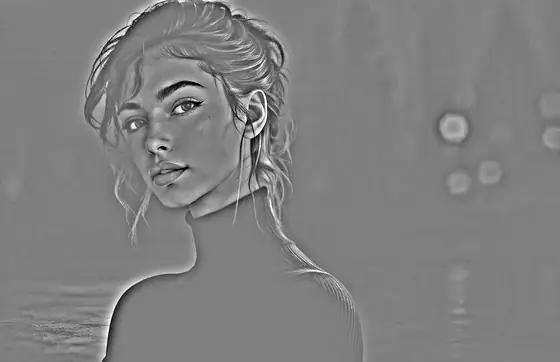 High · detail